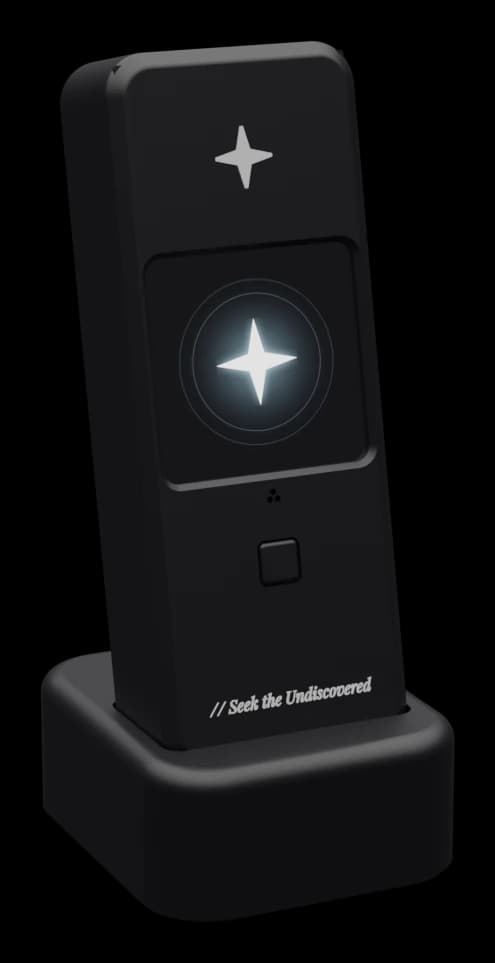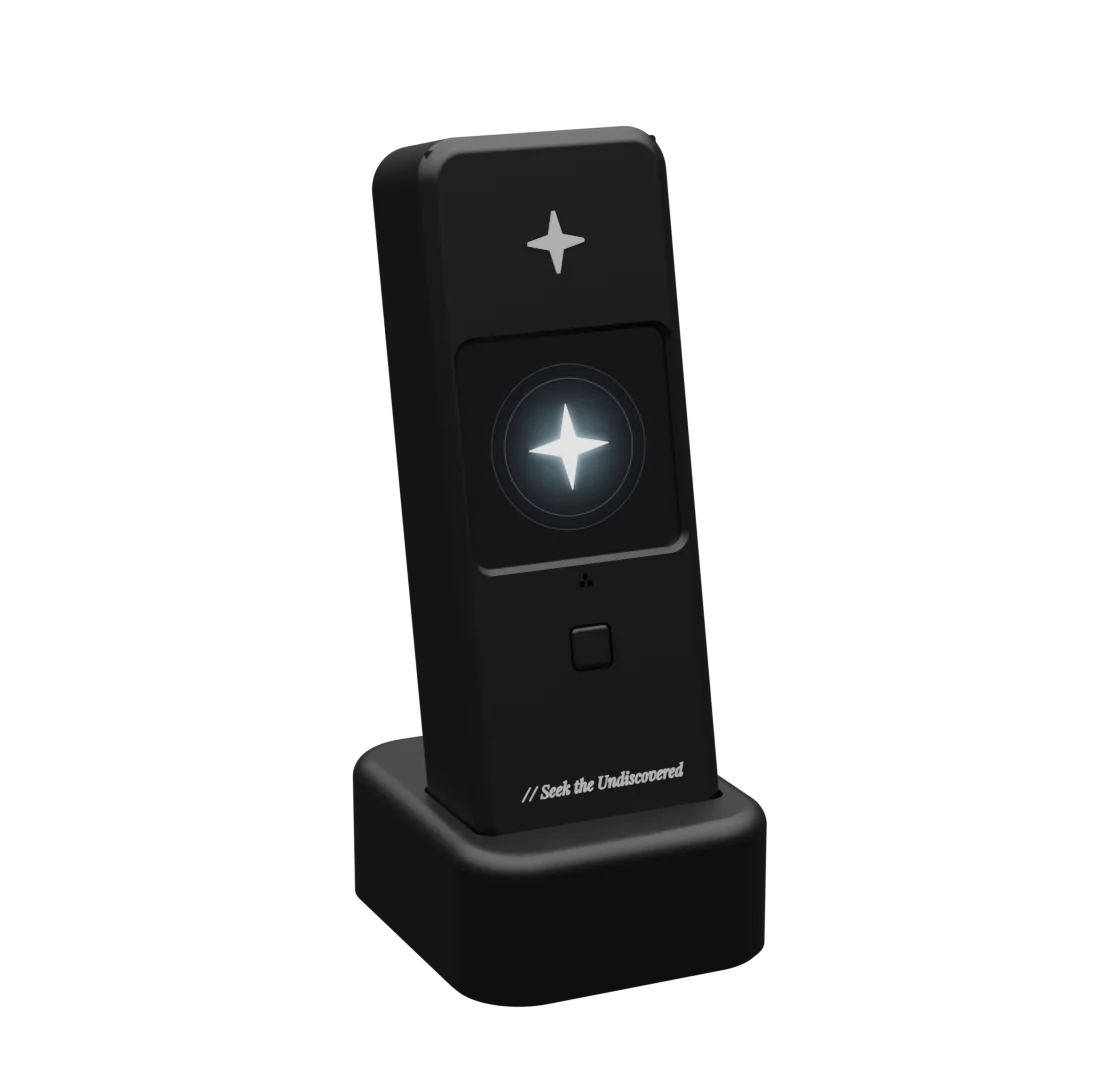
// A voice assistant you own
Hey, it’s
yours.
A voice assistant on a thirty dollar board. It answers to you, and nobody else.
The device, part by part
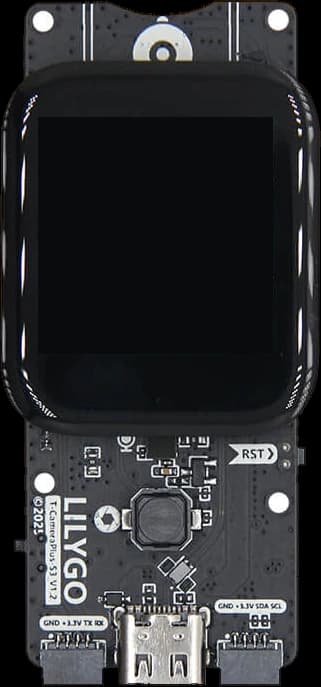
- Screen: 1.3 in · 240 × 240 · touch
- Microphone: Listens for “Orion”
- Push to talk: One press starts a turn
- Speaker: MAX98357A amp · fires up
- Camera: On the back · sees what is behind it
- ESP32-S3: Wi-Fi · Bluetooth LE
- Desk stand: Holds it at 12°
// Why Orion

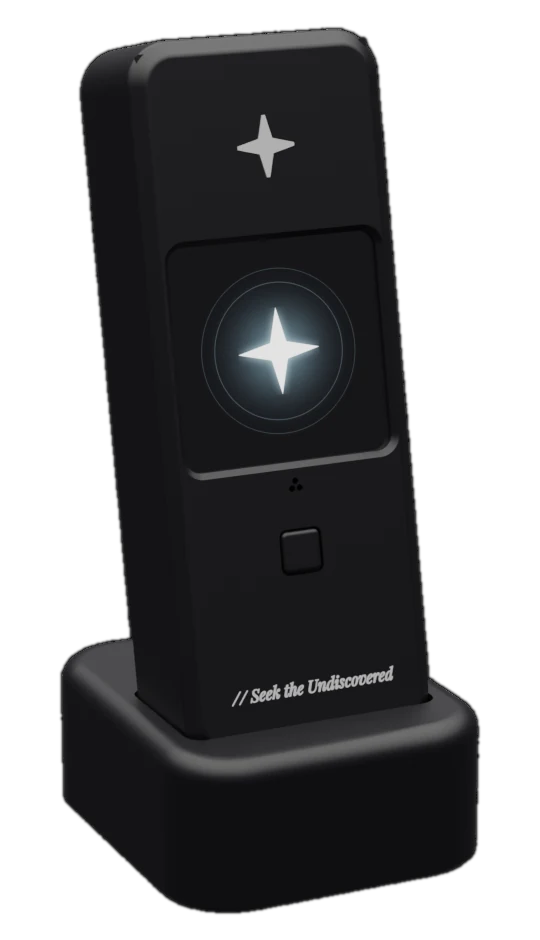
Theirs, or yours
A smart speaker you rent: their account, their cloud, their model, and it answers to them.
Orion, an assistant you own: no account, no Orion cloud, no subscription. Your keys, entered once in your app. Your model, any OpenAI compatible one. The wake word runs on the board, and it answers to you.
// What it takes
$30 About, for the board
1 Double click to flash it
0 Orion accounts or subscriptions
2 Languages, English and Arabic
The parts are yours to choose.
Set once in the app. Change it any time.
Hears
Thinks
Speaks
Your keys are stored on your board and in your app. Nowhere else.
Every line is on GitHub.
PolyForm Noncommercial 1.0.0 · Free for personal use
// Voice
Just ask.
In English or Arabic. It answers out loud, in a voice made for it.
Pick one to hear it
// On the glass
قول أوريون، أو المس الشاشة
Say Orion, or touch the screen.
Say it. Watch your PC do it.
Orion at the keyboard.
// The app
See it think.
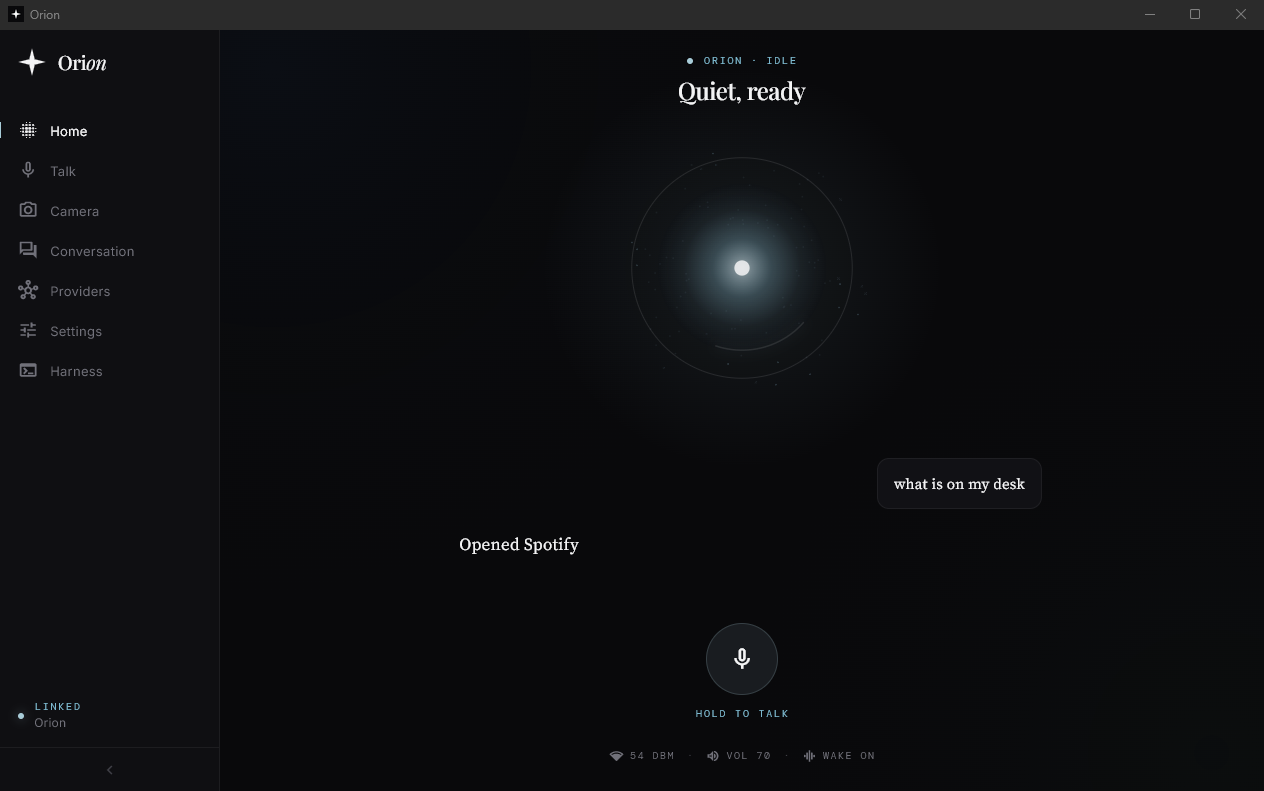
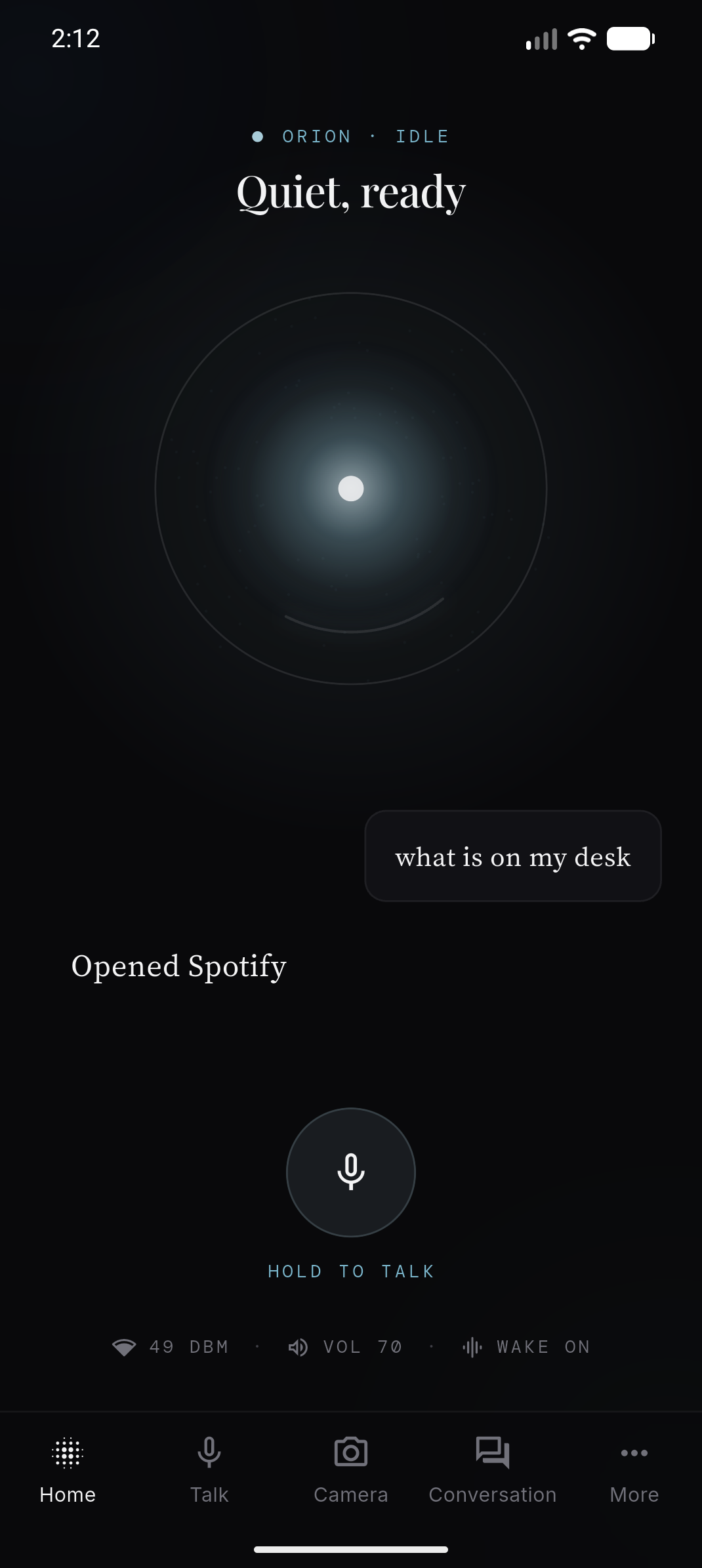
The Orion app, for Windows and Android. Its orb mirrors the board, live.
Quiet, ready
// Setup
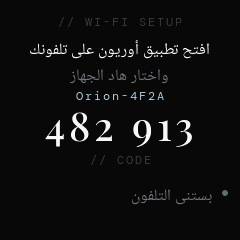
Pair it once.
// Windows · Android
On your desk, and in your pocket.
Both apps mirror the board, live. One turn, two screens.
Voice by Fish Audio
// Inside the app
Nothing hidden.
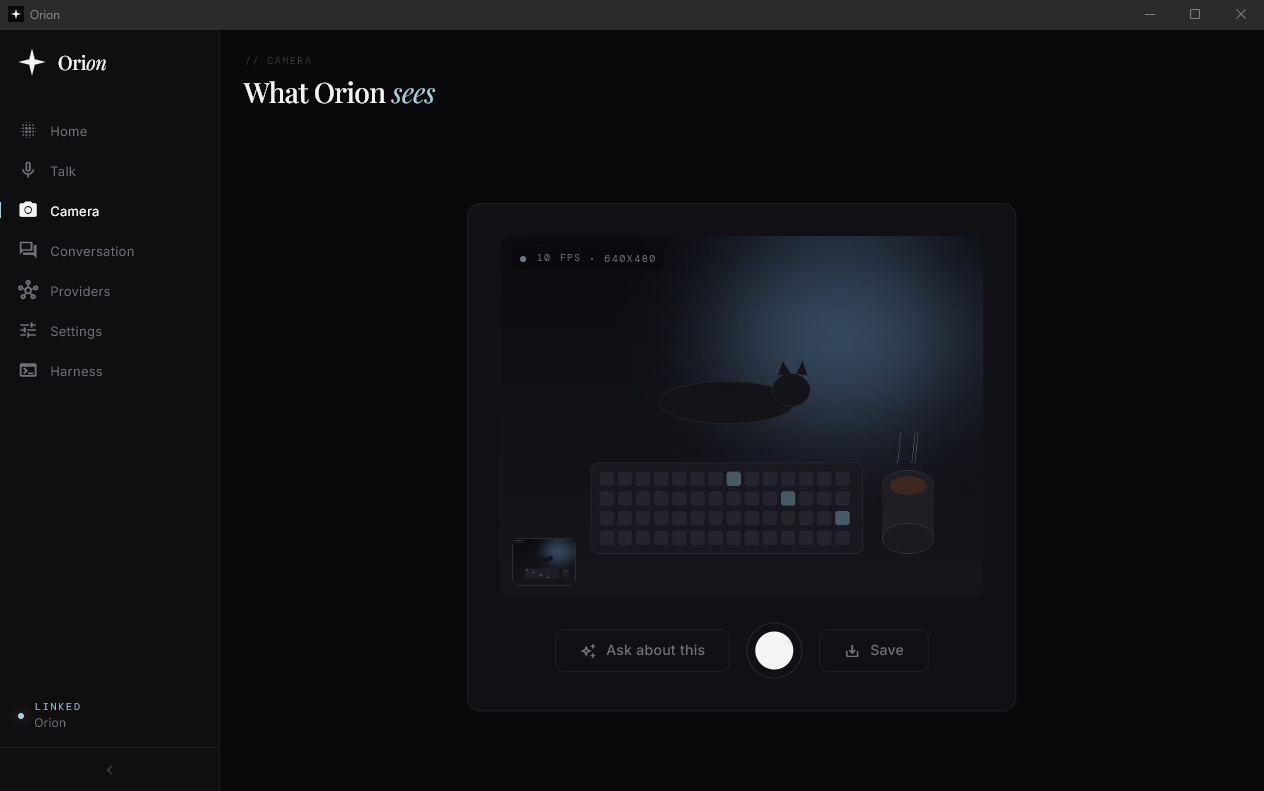
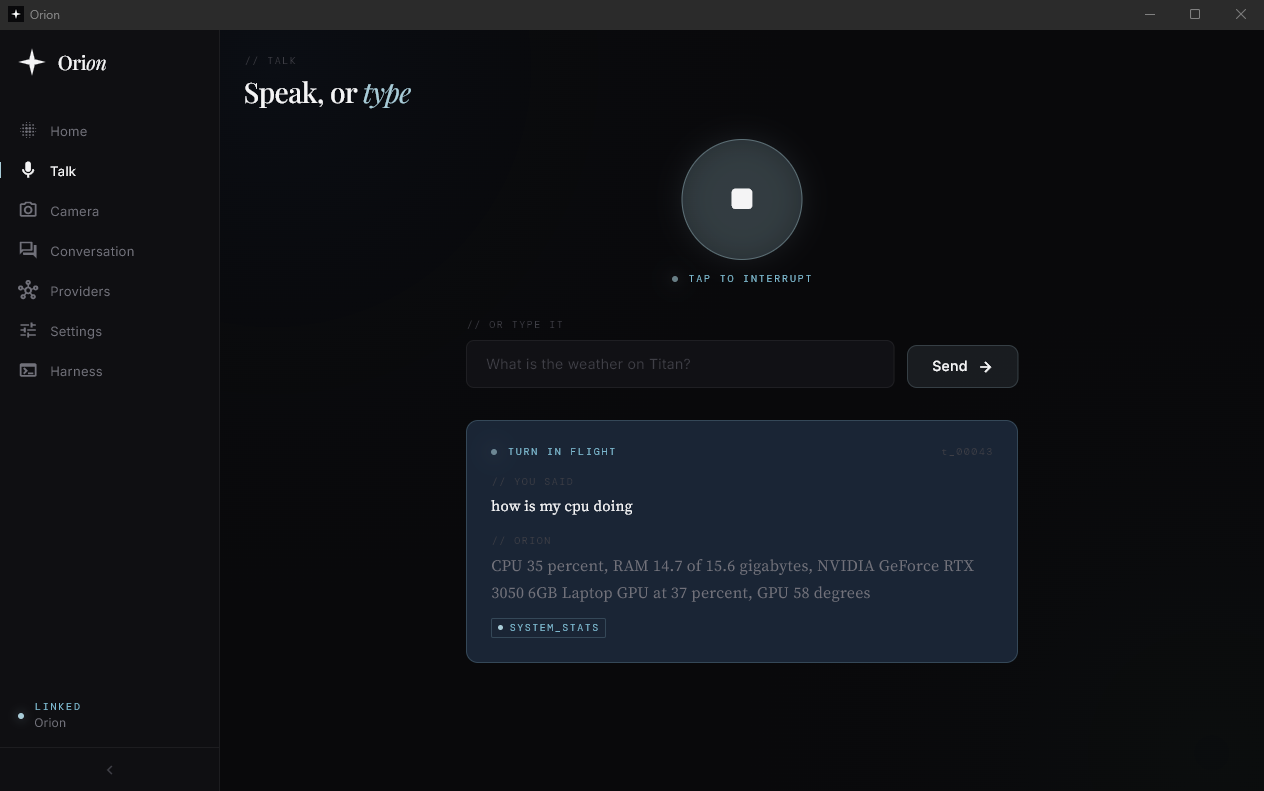
What it sees. What it heard. What it wants to do, before it does it.
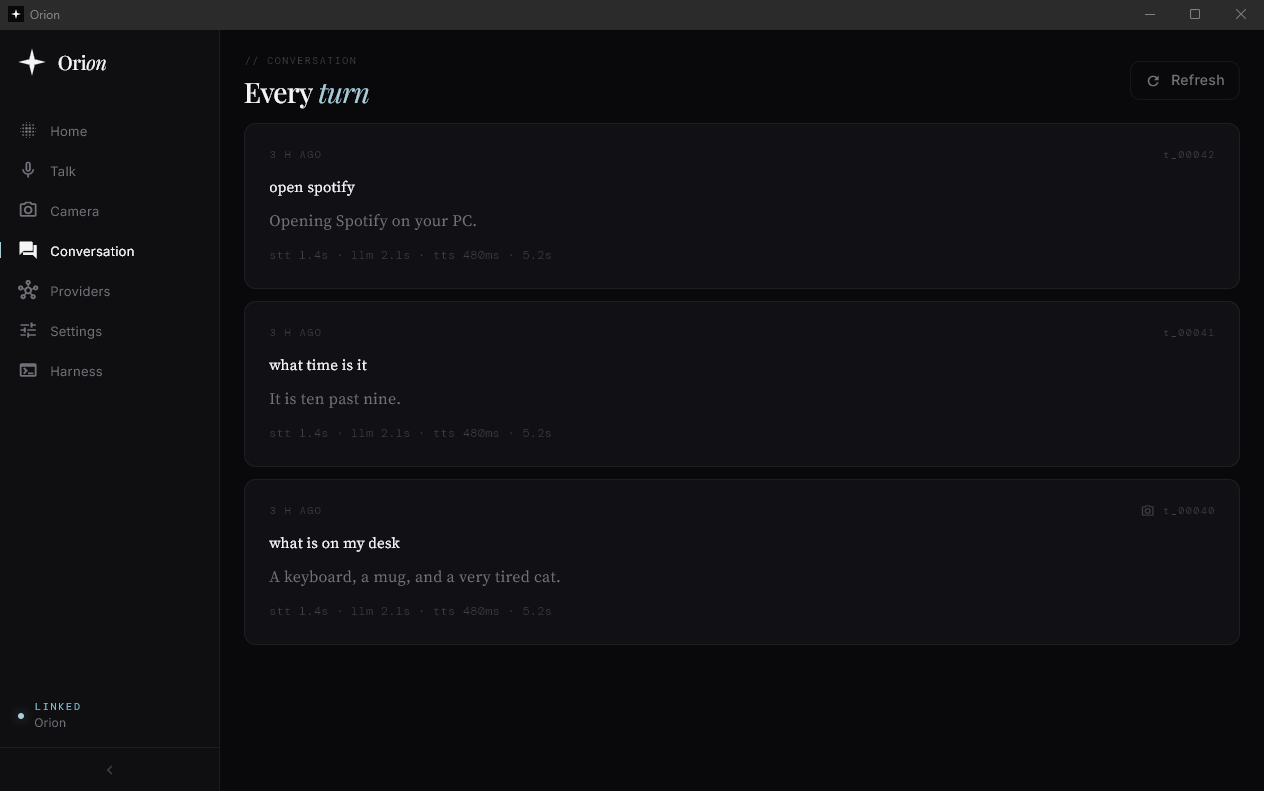
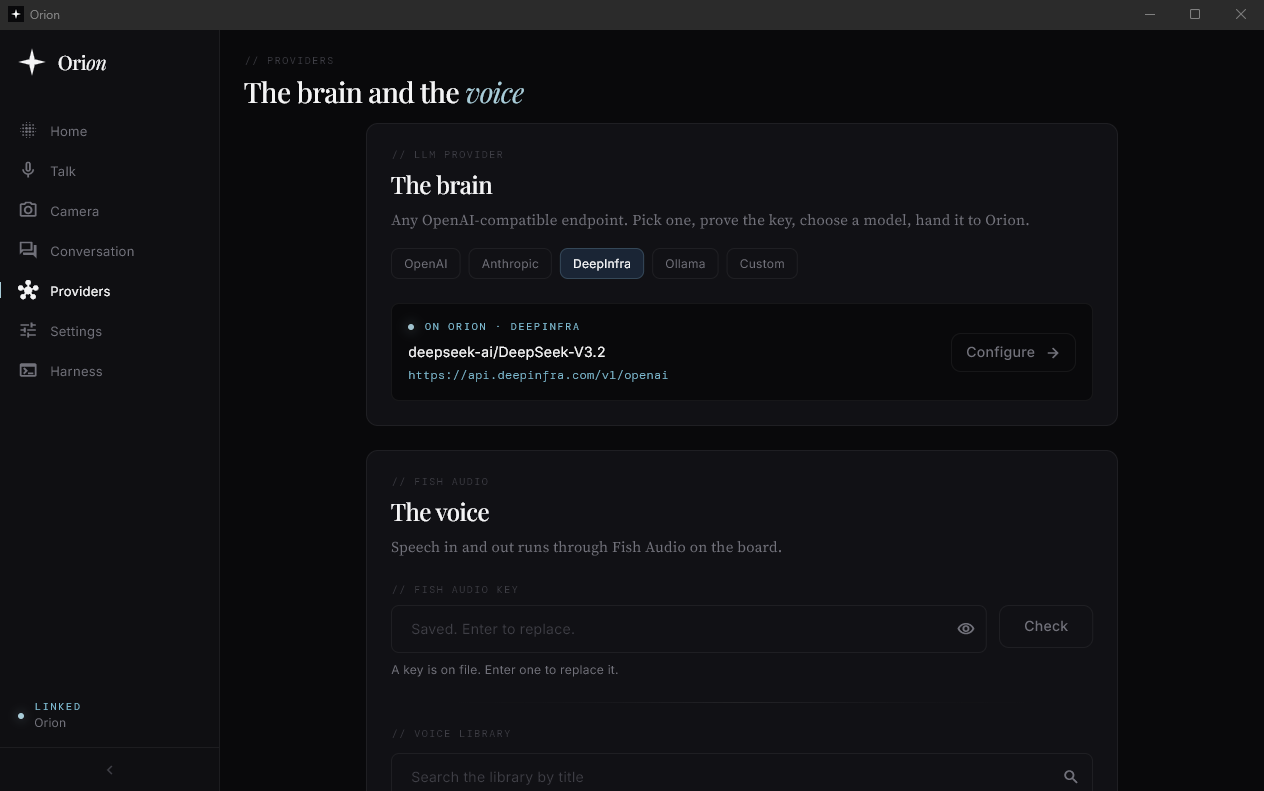
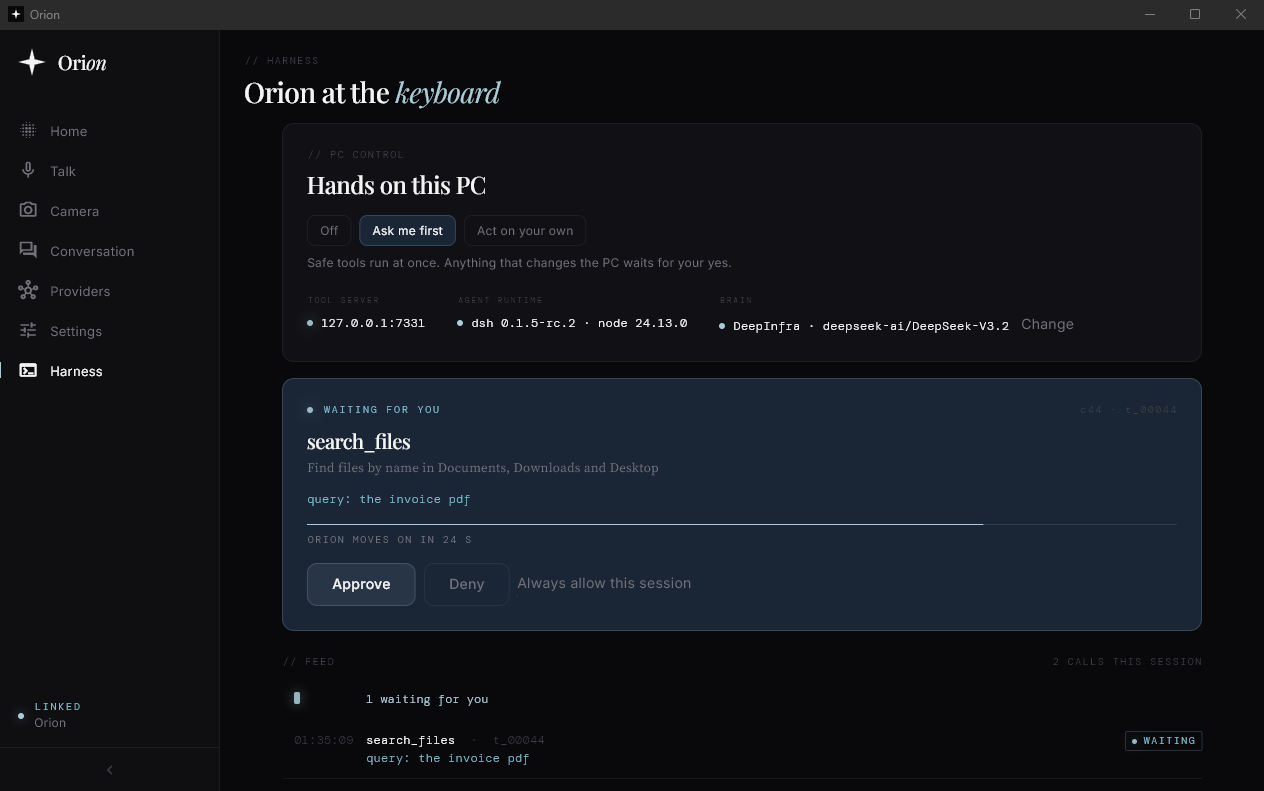
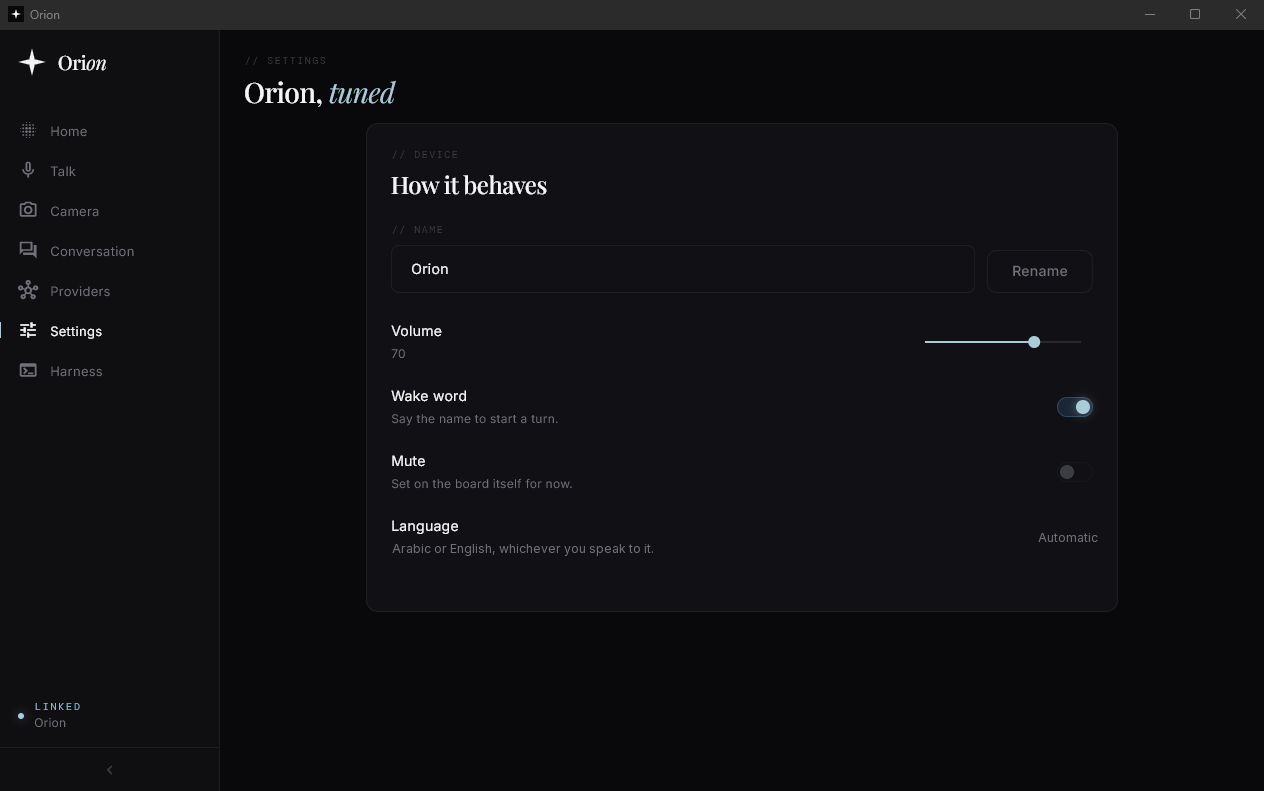
// Flash
One double click.
A thirty dollar board becomes Orion.
No Python, no admin rights, no account.
Plug in
USB-C data cable
Double click
flash-orion.bat
Say “Orion”
Wake word on the board
// The real install
Sped up. Every line is from the installer.
Flash yours.
flash-orion.bat · Windows 10 and 11 · No admin rights
$ bash <(curl -fsSL https://raw.githubusercontent.com/You need·A LilyGO T-CameraPlus-S3·A USB-C cable that carries data·A Windows, macOS or Linux computer
// Tech specs
Every part,
on the table.
A thirty dollar board, a printed case and your own keys.
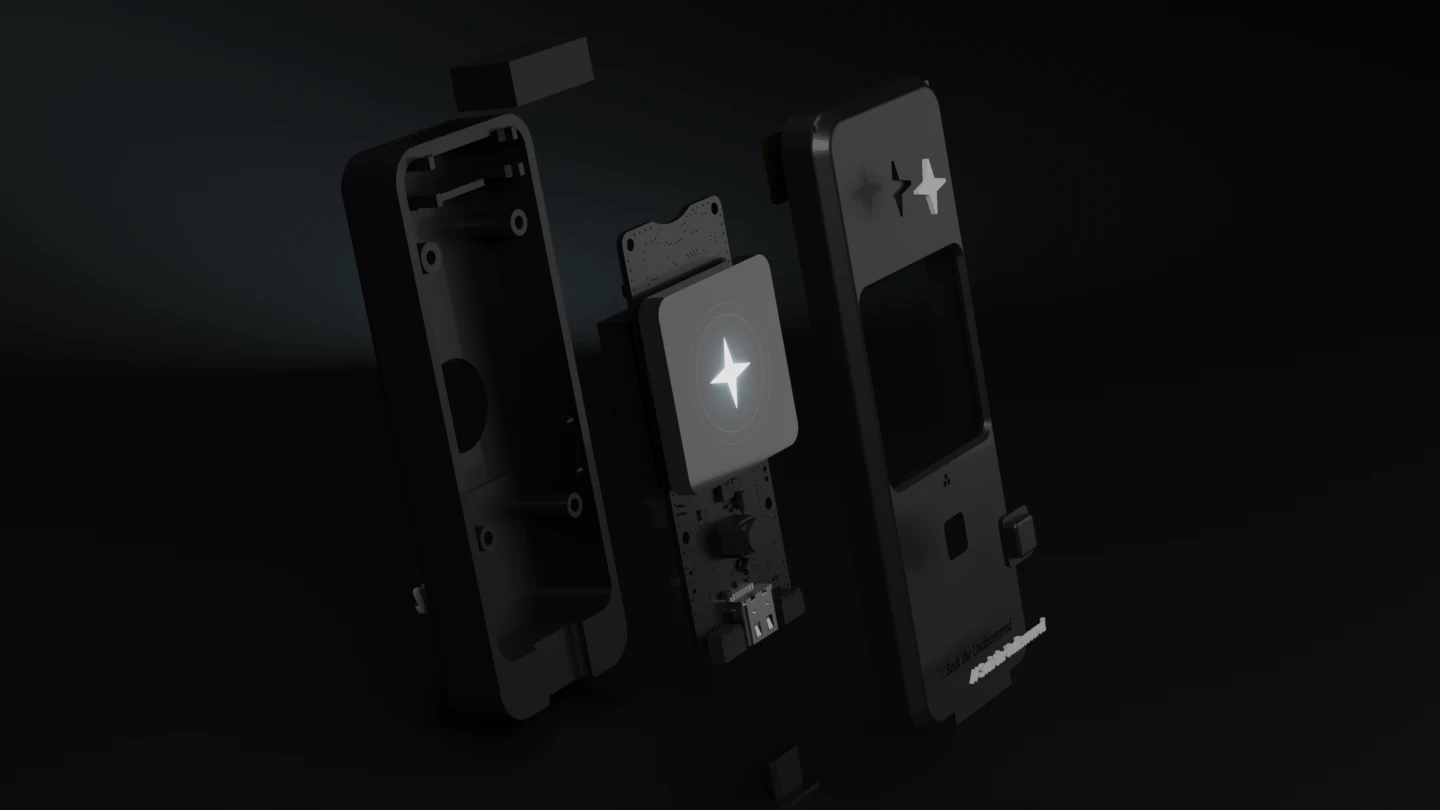
- Speaker
- Rear shell
- LilyGO T-Camera Plus S3
- White inlays
- Front bezel
// Hardware
Board
LilyGO T-Camera Plus S3
Version 1.2, about $30. Screen, camera, microphone and speaker socket, all on the one board.
Earlier revisions use different pins.
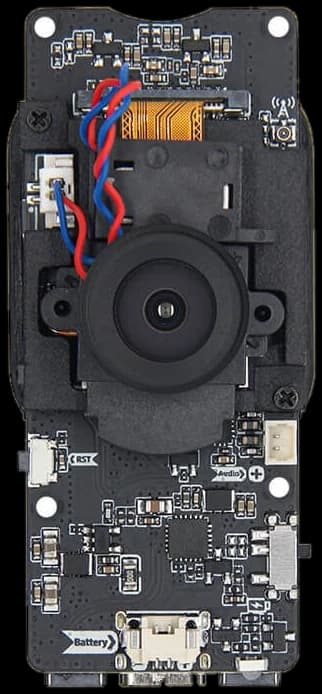 Photo by LilyGO
Chip
ESP32-S3, dual core
Wi-Fi and Bluetooth LE on the chip.
The wake word takes about 12 percent of one core.
Screen
1.3 inch touch screen, 240 × 240
An animated star for listening, thinking and speaking, with what you said and the answer beneath it.
- ST7789
- CST816
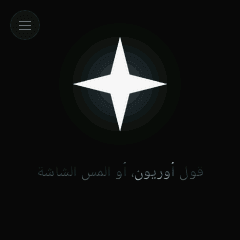 Idle
Idle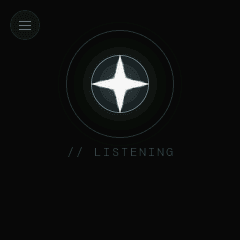 Listening
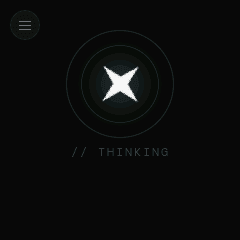 Thinking
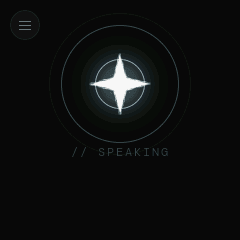 Speaking
Audio
A MEMS microphone and a speaker
The speaker runs through a MAX98357A amplifier.
In the case it sits in the crown and fires up, 50 mm from the microphone.
- MP34DT05-A
- MAX98357A
Camera
OV2640, on the back
It sees what you hold up behind Orion, never your face. Ask what it sees, or watch it live in the app.
Connectivity
Wi-Fi and Bluetooth LE
Bluetooth is for setup. After that, Orion lives on your Wi-Fi.
USB-C for power and flashing.
Controls
Your voice, the screen and one button
Say “Orion”, tap the screen or press the button to talk. Tap while it talks to stop it. Long press the screen for the menu.
BOOT and RST on the side.
Case
3D printed, made for this board
Front bezel, rear shell, desk stand, button plunger and white inlays, with an optional dock. PLA or PETG, no supports.
STL and 3MF files are in the repo. Four M2 × 16 screws and four rubber feet finish it.
- Case
- 36.4 × 96 × 20.4 mm
- On its stand
- 110 mm tall
- Stand
- 46 × 53 × 21 mm
- Lean
- 12° back
// Voice and brain
Wake word
“Orion”, trained for this project
It runs on the board. Nothing leaves your home until you say its name.
A small model that knows Orion and أوريون.
Languages
English and Arabic
It answers in the language you spoke, and sets Arabic right to left on the screen.
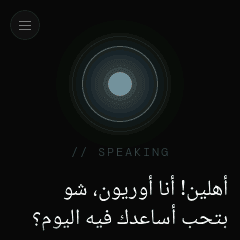 On the board
Speech to text
Fish Audio transcribe-1
Streamed while you talk, not uploaded after you stop.
Or DeepInfra, Groq, OpenAI or any OpenAI compatible endpoint.
Brain
Any OpenAI compatible model
By default on DeepInfra: Gemma 4 31B answers, and GLM 5.3 Flash handles the turns that act on your PC or phone.
OpenAI, Anthropic, Groq, OpenRouter or Ollama on your own network work too.
Answers stream, so Orion starts talking before the reply is written.
- The PC appwhen PC control is on
- A linked phonewhile the app is running
- The board itselfcalling the model directly
Voice
Fish Audio S2.1 Pro, in Orion Voice
A voice designed for this project, streamed sentence by sentence.
PC control
Your Windows PC, by voice
Open and close apps, play music, search the web, find files, read and click through any app, type, and run PowerShell.
Off, Ask me first, or Act on your own. Every action is logged.
On Android, the phone opens links and apps for it.
- open_app
- close_app
- focus_app
- media
- lock_pc
- screenshot
- search_files
- open_link
- system_stats
- open_windows
- ui_look
- ui_act
- press_keys
- type_text
- run_powershell
- web_search
- fetch_page
- weather
Apps
Windows and Android
One Flutter app: setup, pairing, the orb, talk, camera, conversation, providers and settings. PC control lives in the Windows app.
// Setup and license
Pairing
Bluetooth and a six digit code
The board shows the code. The app sends your Wi-Fi and keys over the encrypted session.
Already on your network? Pair with a code over the LAN.
No Orion account. No Orion cloud.
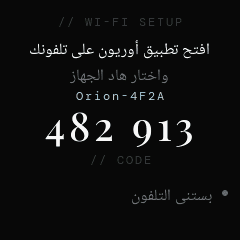 Setup mode
Flashing
One double click on Windows
flash-orion.bat finds the board, downloads esptool v5.4.0 and the latest firmware, checks the checksum and writes it. No Python needed, no admin rights.
flash-orion.sh on macOS and Linux.
License
PolyForm Noncommercial 1.0.0
Every line is on GitHub. Build it, change it, share it.
Selling it, or building it into a commercial product, needs the author’s permission.
// What you need
Four things, one optional.
- 01
LilyGO T-Camera Plus S3
Version 1.2, about $30.
- 02
A USB-C data cable
One that carries data, not only charge.
- 03
A 3D printer, or a print service
For the case, which is optional.
- 04
Your API keys
Fish Audio for voice and hearing, and a language model. DeepInfra is the default.
No Orion account · No Orion cloud · No subscription to Orion

Say Orion.